Free GitHub sync for your Obsidian notes
I keep my notes in Obsidian, and I wanted them on my phone too. Obsidian Sync costs money, and syncing through GitHub for free meant setting up Git, a plugin and a token on every device, which was a pain. So I built Wandika, a Markdown note taking app for iPhone, Android and Mac. You sign in with GitHub once and your notes sync, for free. Then I added the two things I missed most: one page for every task in my vault, and turning emails into tasks and notes.
Try it in your browser
You can try the real app with some sample notes, no download needed. Tick a task, turn an email into a task or write something. Nothing you write is saved. Try Wandika in your browser.
Get Wandika
Wandika is in beta, so expect a few rough edges.
- Android
Download the Android beta. The first time, your phone will ask you to allow installing apps from your browser.
- iPhone
A public TestFlight beta is coming soon.
- Mac
For now you can build it from the code on GitHub. A download you can just open is coming with the next release.
Where your notes live
Your notes are plain Markdown files, so you can still open them in Obsidian or any text editor. They go from your device straight to your own GitHub repository. There's no Wandika server in between, because I never built one.
How GitHub sync works
- Two devices, one note
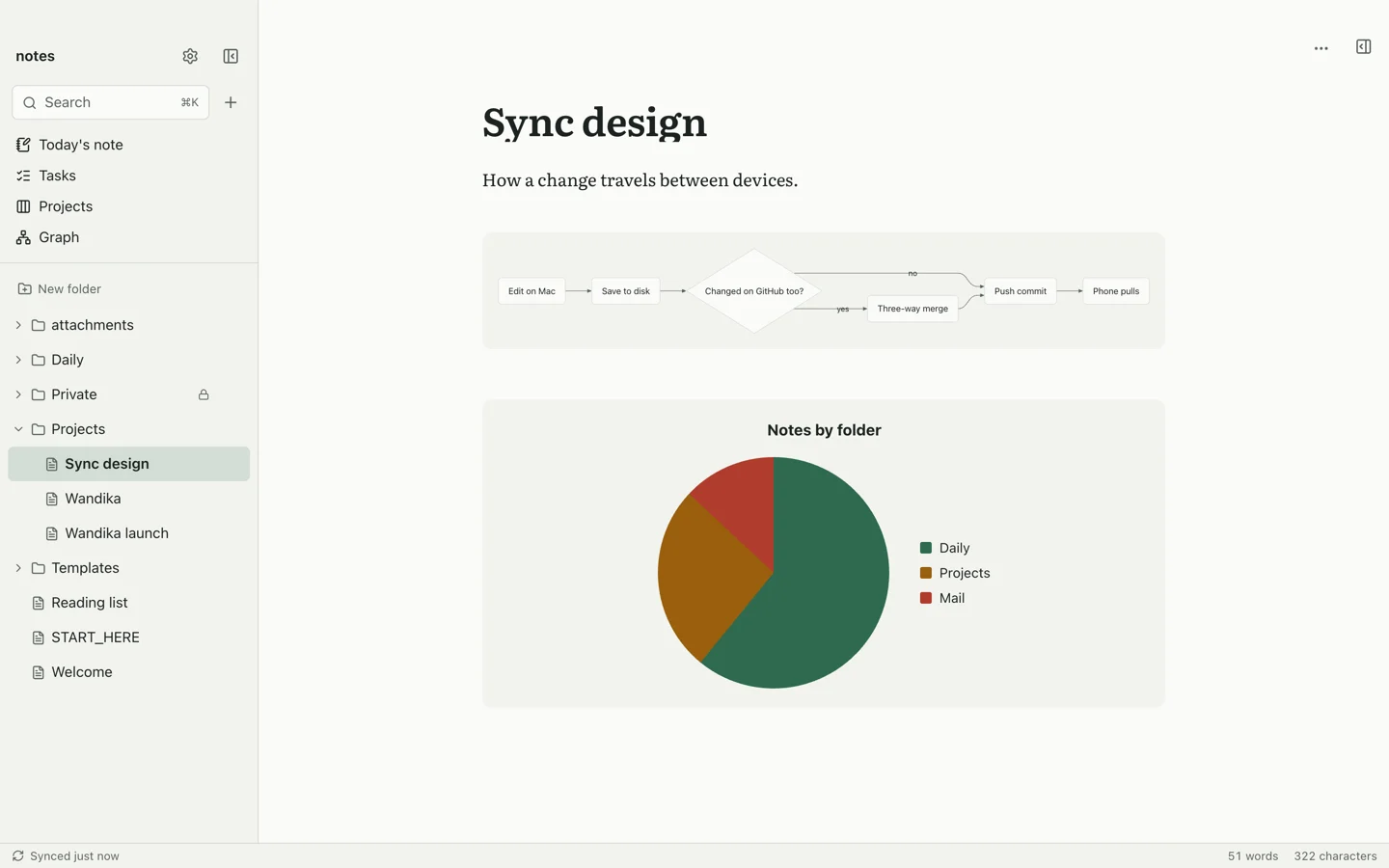
If you edit the same note on your phone and your Mac, edits to different lines are combined. If you changed the same line on both, you keep both versions side by side, so nothing gets lost.
- Big deletions ask first
If a sync would delete more than 25 files and a fifth of your vault, say after you moved a folder by mistake, Wandika stops and asks you before anything is deleted on your other devices.
- Big files stay put
Files over 50 MB stay on the device you added them on, so GitHub never rejects a sync, and big changes go up in smaller parts.
- Your .gitignore is respected
Anything your vault's .gitignore leaves out is never uploaded, downloaded or deleted.
What it does
- Every task in one place
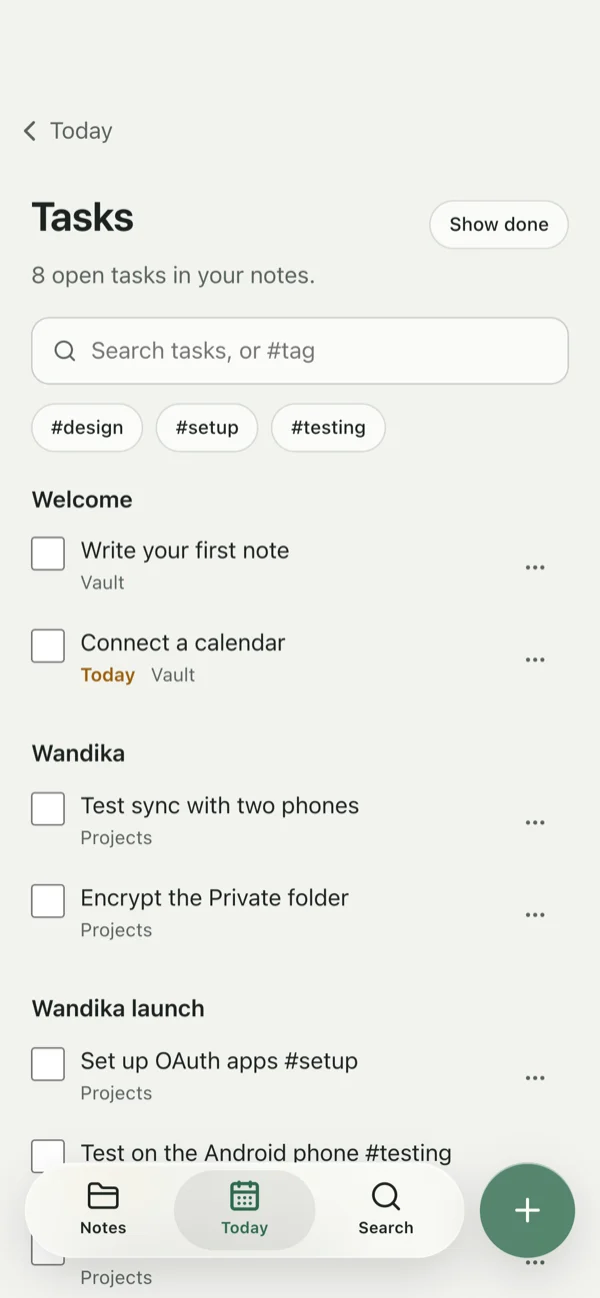
Wandika finds the tasks in every note in your vault and puts them on one page, so you don't have to dig through notes to see what's left. Filter them by date, priority, folder or tag, and start a focus session on one task: a quiet timer, then a short break. I work remotely, so this is how I keep my day on track.
- Emails into tasks and notes
Your Outlook inbox sits in Today next to your notes. When an email needs something from you, turn it into a task or save it as a note, so you stay on top of things.
- Notes the way Obsidian writes them
Links, embedded notes, callouts, properties, templates, images, tables and Mermaid diagrams all show up the way you'd expect.
- Boards and a graph
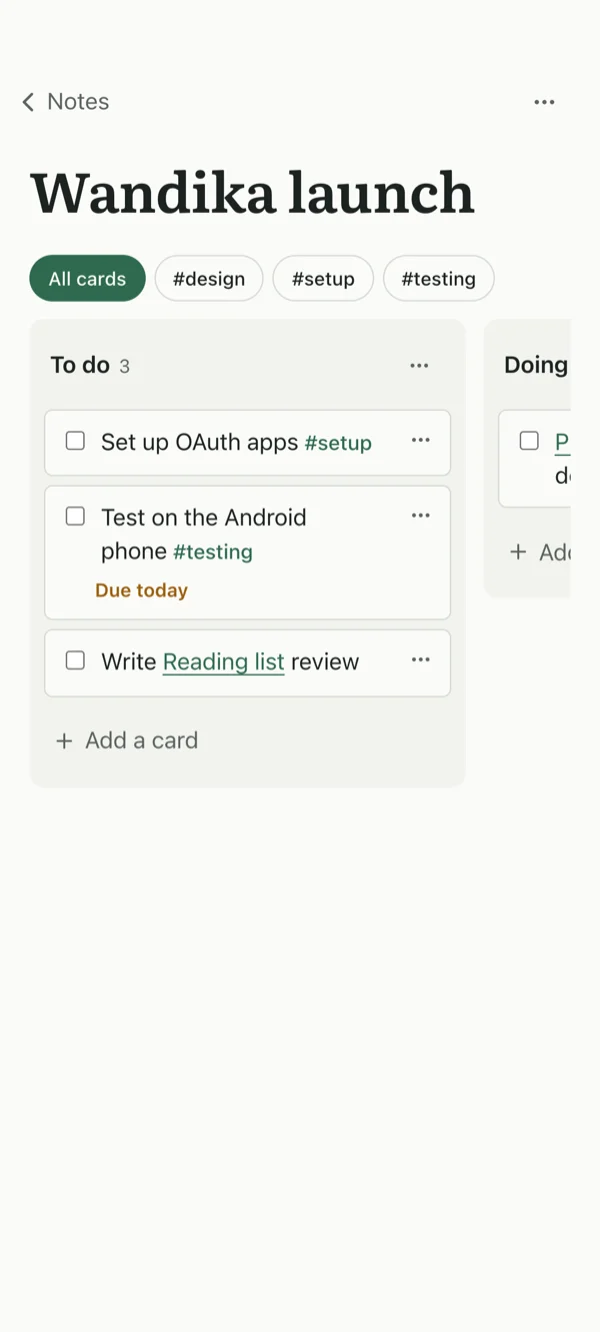
Kanban boards that Obsidian's Kanban plugin can open too, and a graph of how your notes link to each other.
- Locked notes
Encrypt any note or folder. It's saved as a standard age file, so nobody can read it on GitHub.
- Your day next to your notes
Today shows your calendar from Google, Outlook or Apple Calendar, what's due, and your Google Tasks and Apple Reminders beside the note you're writing.
- GitHub when you're ready
You can start with notes on one device and no account at all, and connect a GitHub repository later.
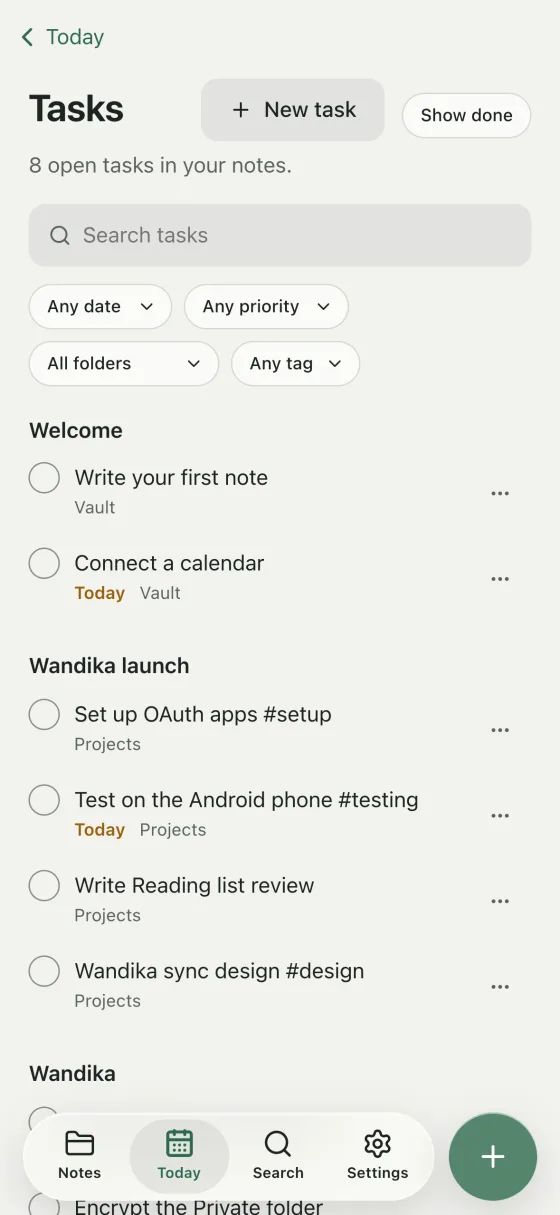
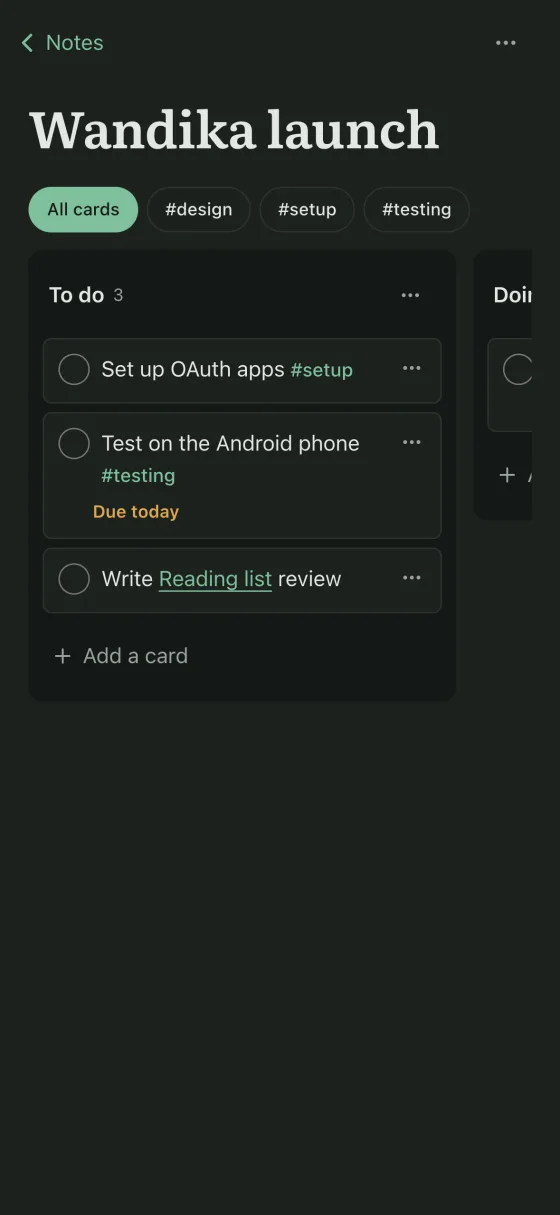
Every task from every note in one list, and a board for a project. Sample notes.
How it is built
For the developers: it's a Tauri 2 app with a Rust core that does the sync, search and encryption. The sync is real git, with libgit2 built into the app on iPhone, Android and Mac, and the interface is Svelte with a CodeMirror 6 editor. All of it is on GitHub.
Common questions
- How do I sync Obsidian with GitHub on iPhone or Android?
Open your vault in Wandika, sign in with GitHub and pick a repository. That's it. Git is built into the app, so there's no plugin, no Git app and no token to copy around. It syncs 20 seconds after you stop typing, every 3 minutes while it's open, and whenever you ask.
- Is it free?
Yes, and it will stay free. A private GitHub repository is free too.
- Does it work with Obsidian?
Yes. It opens your Obsidian vault as it is and follows your attachment folder, where new notes go and your Templates folder. You can keep using Obsidian on your computer with the same vault.
- Where do my notes and sign-ins go?
Your notes only go to the GitHub repository you pick. Your mail and calendar are only shown in Today and never uploaded anywhere, unless you save an email as a note, which then syncs like any other note. Sign-ins stay on your device, in the Keychain on Mac and iPhone and in Wandika's private storage on Android.
- Is Wandika made by Obsidian?
No, I'm not affiliated with Obsidian. Wandika just reads and writes the same Markdown files.
- What does Wandika mean?
It means "write" in Luganda, one of the languages we speak here in Uganda.